Updating old content without faking freshness: dates, dateModified and sitemap lastmod, by Google's rules
When to change a page's visible date, what Google does with dateModified and sitemap lastmod, why date-only edits backfire, and which queries actually reward fresh content. A practical policy for SaaS blogs and docs, checked against Google's documentation.
"Update your old posts" is good advice that is often carried out badly. The bad version changes the date, rewrites a paragraph, sets every sitemap lastmod to today and waits for rankings to rise. Google's documentation addresses each of those steps, mostly to say they do not do what people hope.
This article covers when a page counts as updated, how to show that to readers and to Google, and when freshness matters at all.
Sources checked October 14, 2026. This is a documentation review and RankPropel's content-update policy. It does not report a refresh experiment of ours.
What Google says about freshness
Fresh is not better by default. Google's ranking systems guide describes "query deserves freshness" systems that show fresher content where it would be expected: a newly released film, or a search for "earthquake" just after one happened. Ranking systems guide. For a query whose answer has not changed, a newer date has no stated advantage.
Date-only changes are a warning sign. Google's people-first content guidance asks two self-assessment questions on this point. Are you changing page dates to make them seem fresh when the content has not substantially changed? Are you adding or removing lots of content mainly because you believe it will make your site seem "fresh"? Google answers the second one directly: no, it won't. Creating helpful content.
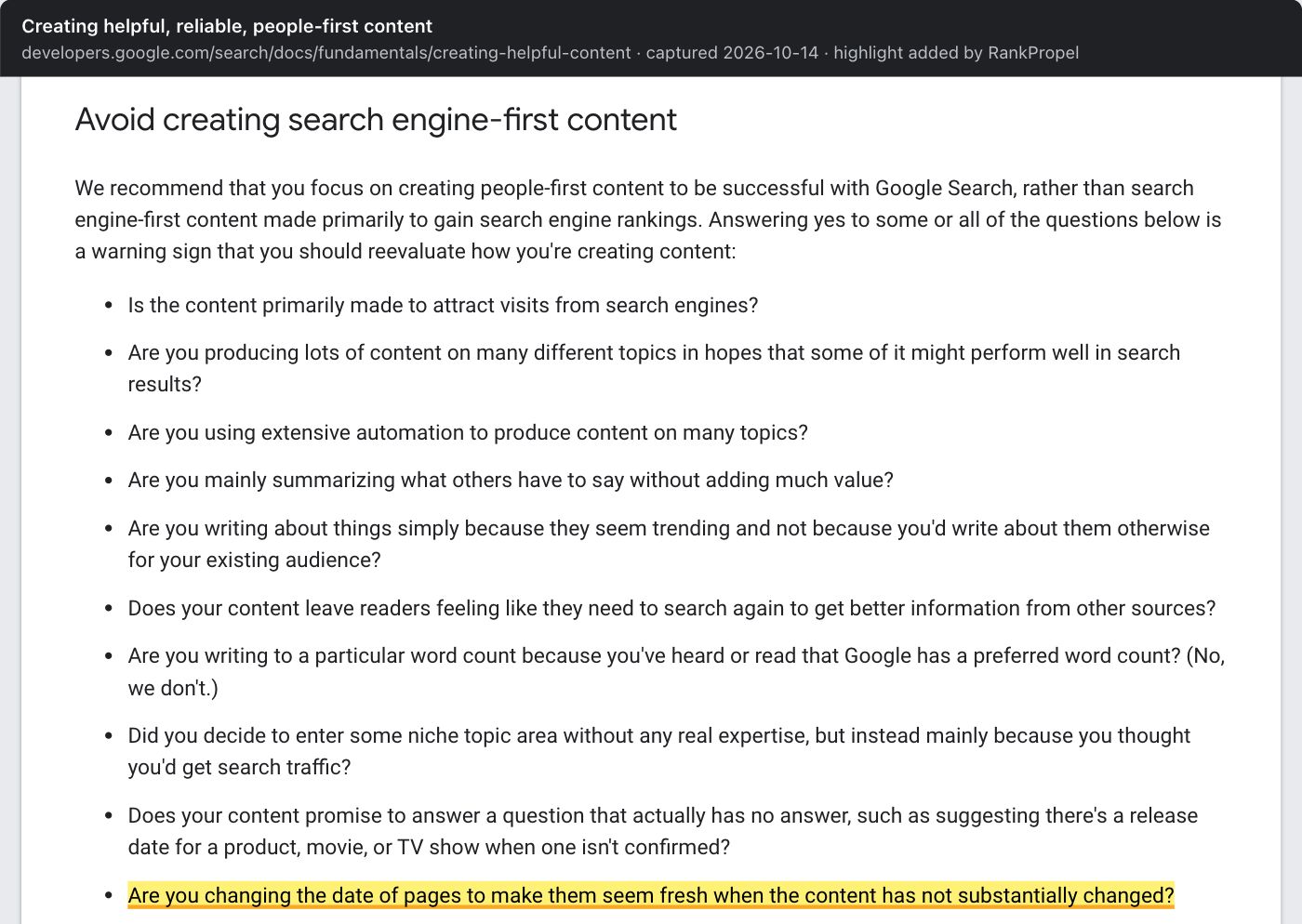
Source: Google Search Central, Creating helpful, reliable, people-first content, captured October 14, 2026. Highlight added by RankPropel. Licensed CC BY 4.0.
Google does not trust any single date. Its byline-date documentation says its systems look at several factors to estimate when a page was published or significantly updated, because every date source can be wrong. Byline dates.
Three places a date lives, and Google's rule for each
| Where | Google's guidance | Source |
|---|---|---|
| Visible date on the page | Show a prominent, user-visible date labelled with text such as "Publish" or "Last updated". Keep it consistent with structured data. Do not use future dates or the date of an event the page describes. Remove other dates from the page if Google keeps picking the wrong one. | Byline dates |
datePublished / dateModified in Article structured data |
Both optional. dateModified is the date the article was most recently modified; add it if you want Google to have more accurate date information. Include a timezone. |
Article structured data |
<lastmod> in the XML sitemap |
Google uses it only if it is consistently and verifiably accurate, for example when it matches the page's real last change. It should reflect the last significant update: main content, structured data or links. A copyright-year change is not significant. Google ignores <priority> and <changefreq>. |
Build a sitemap |
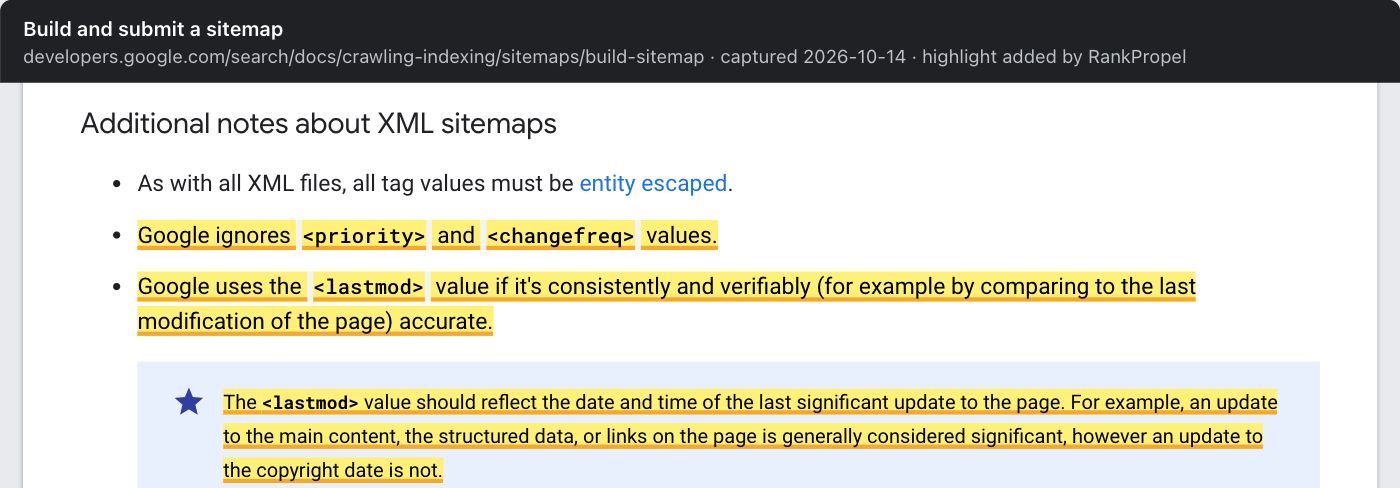
Source: Google Search Central, Build and submit a sitemap, captured October 14, 2026. Highlight added by RankPropel. Licensed CC BY 4.0.
Google's 2023 sitemap announcement put the consequence bluntly. If your lastmod keeps saying a page changed yesterday when it changed years ago, Google will eventually stop believing your dates. The same post retired the sitemap "ping" endpoint. Submit sitemaps through Search Console or robots.txt instead. Sitemaps ping endpoint is going away, June 26, 2023.
A common build bug produces exactly the pattern Google warns about, and our category audit found it on vendor blogs: a static-site build that stamps every URL's lastmod with the deploy time. If your sitemap shows the same timestamp for most URLs, fix the generator so it uses each page's real content change date, or leave lastmod out for pages where you cannot tell.
What counts as a substantial update
Google does not define "substantial" for page content. It gives one anchor, for lastmod: changes to main content, structured data or links count, while a copyright date does not. RankPropel's working rule for the visible "Last updated" date follows from that:
Change the date when a returning reader would learn something different. Examples:
- A price, limit, version number, screenshot or step changed.
- A section was added that answers a question the page did not cover.
- A claim was corrected, or a source was replaced because it changed.
Do not change the date for:
- Typo fixes, rewording, or a new intro paragraph with no new facts.
- Swapping in "2026" in the title with no other change.
- Reordering sections or adding internal links only. That may justify a new
lastmod, because links count for sitemaps, but not a new visible date.
Keep the original publication date in every case. Show both dates when they differ, for example "Published March 2, 2025 · Last updated October 14, 2026".
A refresh policy for SaaS blogs and docs
This is our method, not a Google rule.
- Pick pages by evidence. Use Search Console to find pages with falling impressions or queries the page does not answer well. See our query-mining method.
- Check whether the query wants freshness. Search it. If the results are dominated by recent pages, dates matter. If they are years old and still correct, accuracy matters more than recency.
- Update the facts first. Product docs, pricing, integrations and screenshots go stale fastest on SaaS sites, and stale facts cost trust whatever the date says.
- Update all three dates together, honestly. Visible "Last updated",
dateModifiedandlastmodshould agree, and should change only for a substantial edit. - Remove or merge, don't mass-delete. Prune pages that are wrong or duplicated because they mislead readers, not to make the site look fresh. Google says bulk removal for freshness doesn't help.
- Record the change. Note the date and what changed so you can compare the page with similar untouched pages four to eight weeks later.
Checklist
- Visible "Published" date kept; "Last updated" shown only after substantial edits
-
dateModifiedin structured data matches the visible updated date, with timezone - Sitemap
lastmodreflects real content changes, not build time - No
priorityorchangefreqtuning (Google ignores them) - No sitemap ping calls; sitemap submitted in Search Console or referenced in robots.txt
- Freshness work prioritised for queries where results are recent
- Change log kept for each refreshed page
Related: Mining Search Console queries for pages that already rank and Answer-first page shape.